
Create
Editing a scene
Edit a scene from the My Experiences App
To edit a scene from the My Experiences App:
- Go to the My Experiences app.
- Select the scene or the experience with the scene that you want to edit.
- Click Edit Scene
 for that scene or experience.
- Once clicked, Sansar takes you to a new interface where you can edit your scene.
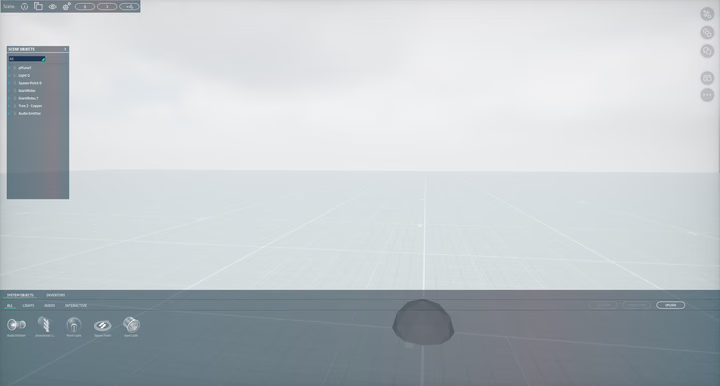
The scene editor
- Once you are in edit mode, you can start adding objects in a scene. See our Quick start: creating experiences for Sansar for a quick start guide to creating an experience using Sansar.
Edit a scene from the App Launcher
When you are visiting one of your created experiences, an additional button is added on the App Launcher.
- Look at the App Launcher, which can be found on the right-hand side of the interface.
- Click the Edit Scene
 button to enter Edit Mode.
Note: If you are visiting another creator’s experience, you can click My Experiences to launch the My Experiences app.
Have more questions? Email help@sansar.com.
␂ world experience ␃