> For the complete documentation index, see [llms.txt](https://docs.sansar.com/latest/llms.txt). Markdown versions of documentation pages are available by appending `.md` to page URLs; this page is available as [Markdown](https://docs.sansar.com/latest/sansarbasics/accountmanagement/account-deletion.md).
# Account Deletion
This page provides information on how to delete your Sansar account and all information associated with it.
## Before you delete your account:
* **All your content will be permanently removed.** This includes your avatar, inventory items, created experiences, Store items, and any other data associated with your account.
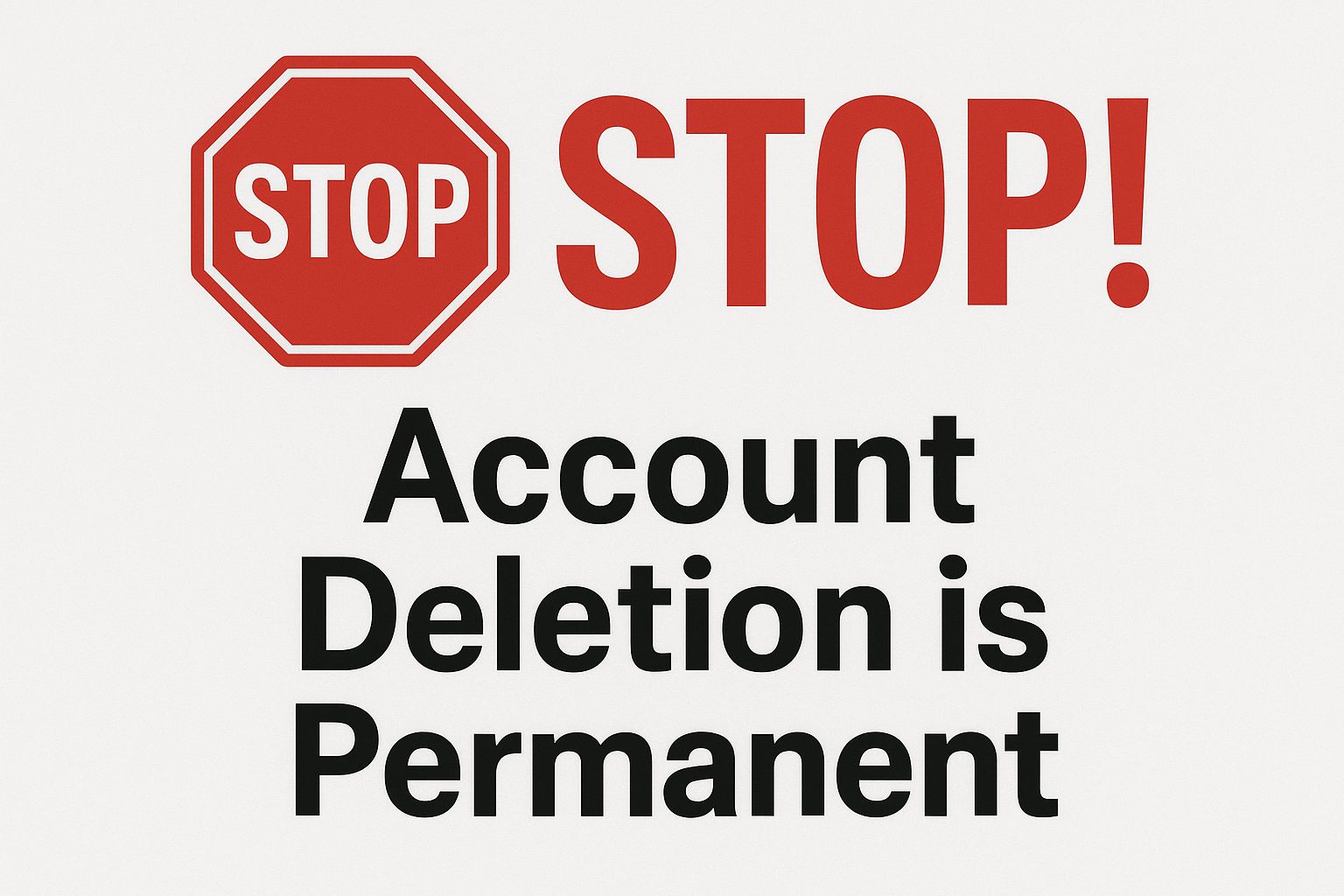
* **This action is irreversible.** Once your account is deleted, it cannot be recovered.
* **Any remaining Sansar Dollars (S$) in your account will be forfeited.** Please ensure you have used or converted any S$ before proceeding with account deletion.
* **You must have access to your account to delete it.** Support will not delete an account you cannot log into as a security measure without ID verification and proof of ownership.
## How to delete your account:
To initiate the account deletion process, please follow these steps:
1. Log in to your Sansar account on the official website [Sansar.com](https://www.sansar.com/).
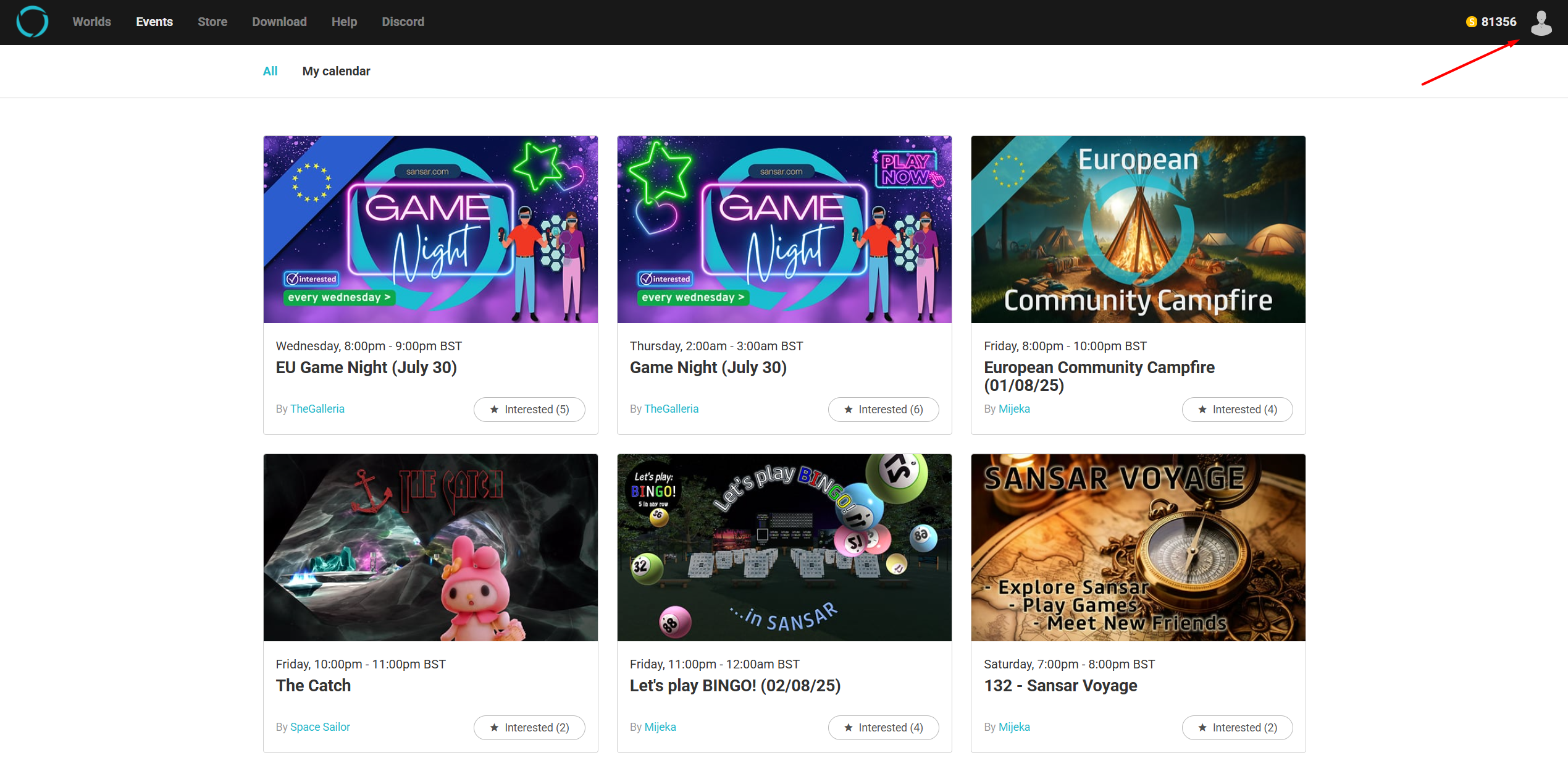
2. On the top right click the profile icon
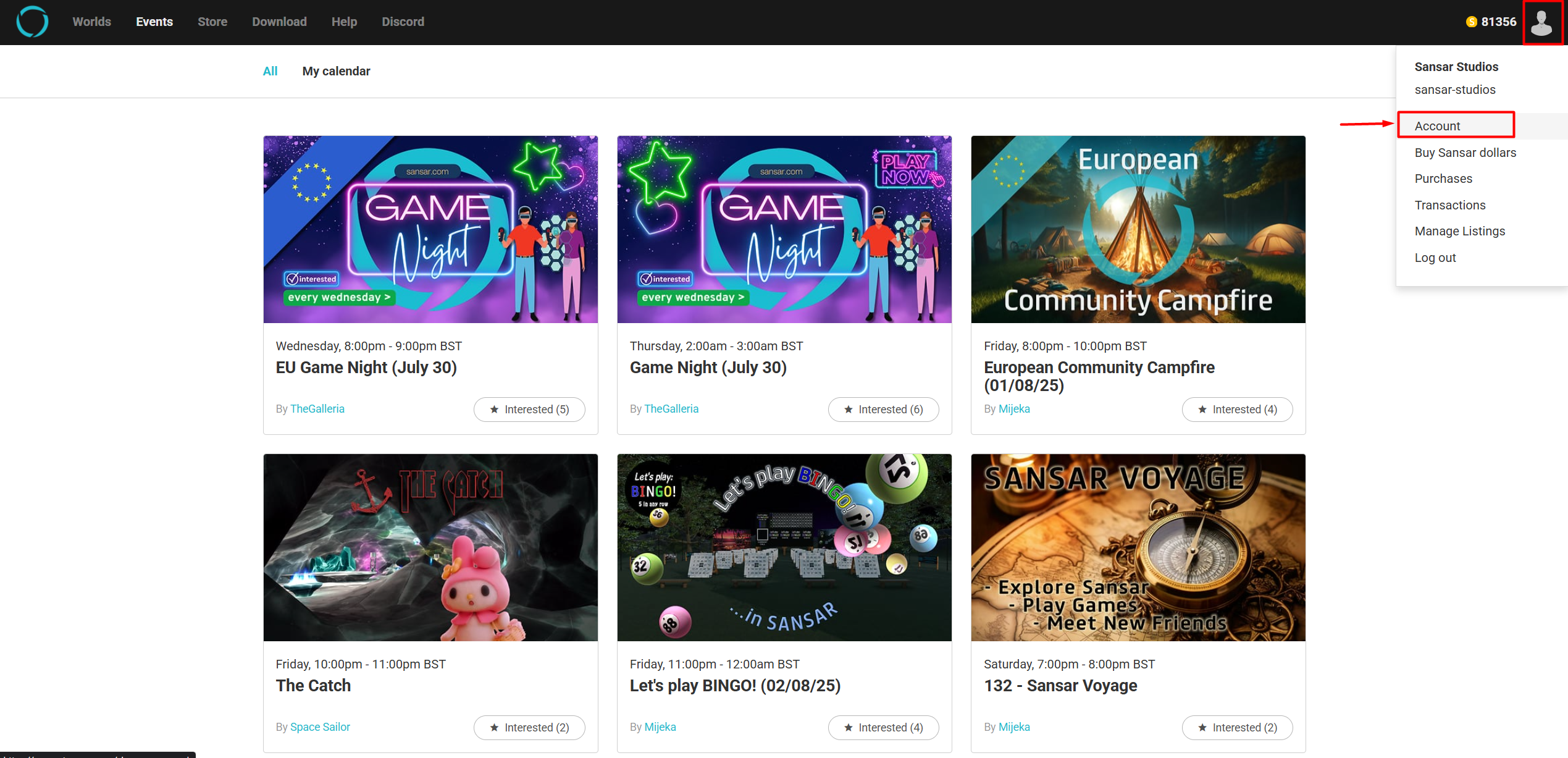
3. Navigate to your "[Account Settings](https://www.sansar.com/account/change-password)"
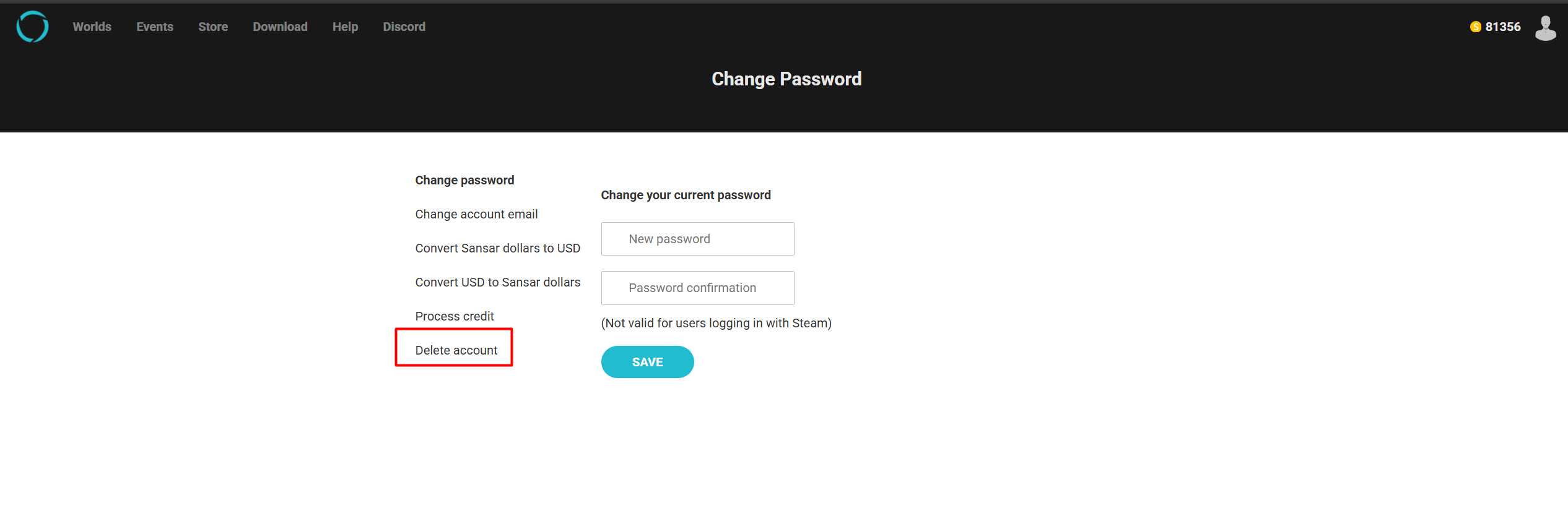
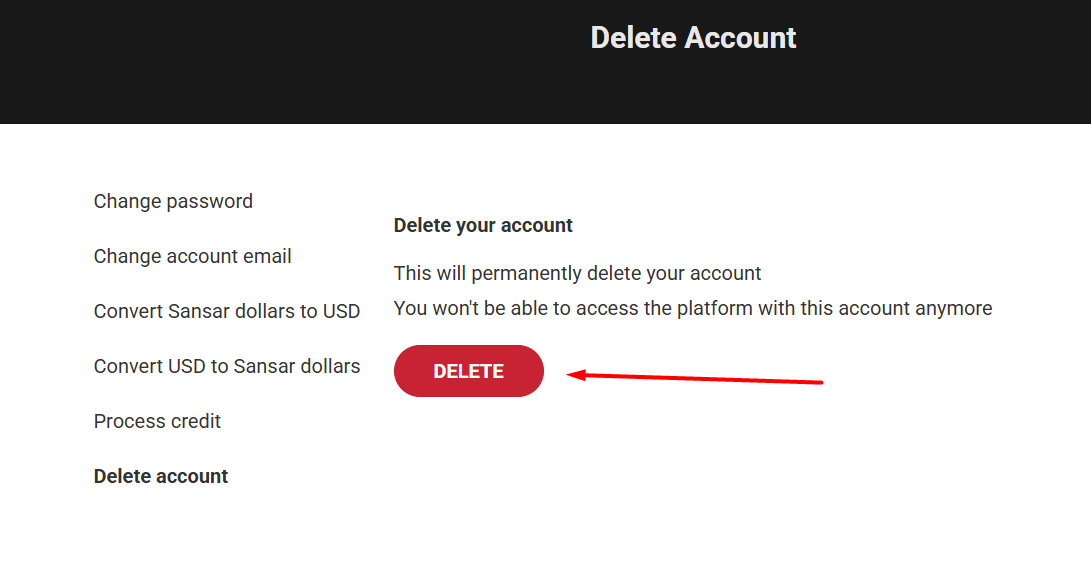
4. Look for the "[Delete Account](https://www.sansar.com/account/delete-account)" option and select it.
5\. If you are sure press the DELETE button.
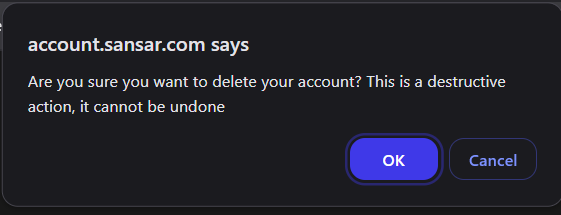
6\. Now on the popup either Confirm or Cancel, This is your last chance to change your mind after clicking OK on this confirmation window deletion is final and cannot be undone.
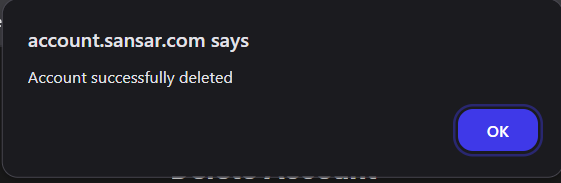
7\. Finally click ok, you will be signed out and all information held of your account will be removed.
We are sorry to see you go, If you ever change you mind and wish to return please sign back up through the official website [Sansar.com](https://www.sansar.com/)
your previous email is available again to use but will be a new account.
---
# Agent Instructions
This documentation is published with GitBook. GitBook is the documentation platform designed so that both humans and AI agents can read, navigate, and reason over technical content effectively. Learn more at gitbook.com.
## Querying This Documentation
If you need additional information that is not directly available in this page, you can query the documentation dynamically by asking a question.
Perform an HTTP GET request on the current page URL with the `ask` query parameter, and the optional `goal` query parameter:
```
GET https://docs.sansar.com/latest/sansarbasics/accountmanagement/account-deletion.md?ask=&goal=
```
`ask` is the immediate question: it should be specific, self-contained, and written in natural language.
`goal` is optional and describes the broader end goal you are ultimately trying to accomplish on behalf of the user. GitBook uses it to tailor the answer towards what is most useful for that goal.
The response will contain a direct answer to the question and relevant excerpts and sources from the documentation.
Use this mechanism when the answer is not explicitly present in the current page, you need clarification or additional context, or you want to retrieve related documentation sections.